Lisa Gottfried: New Tech High
  • Blog
    • Nature Journal
  • About Me
    • Resume
    • Recommendations
  • In the News
    • Awards
  • Contact
  • Blog
    • Nature Journal
  • About Me
    • Resume
    • Recommendations
  • In the News
    • Awards
  • Contact

BLOG

Bouncing Basketball Animation

9/20/2021

0 Comments

 
Look! A simple photo of a basketball becomes a bouncing ball! The first lesson in After Affects to look at the squash and stretch animation concept.
0 Comments

Title Graphic I love!

8/19/2021

0 Comments

 
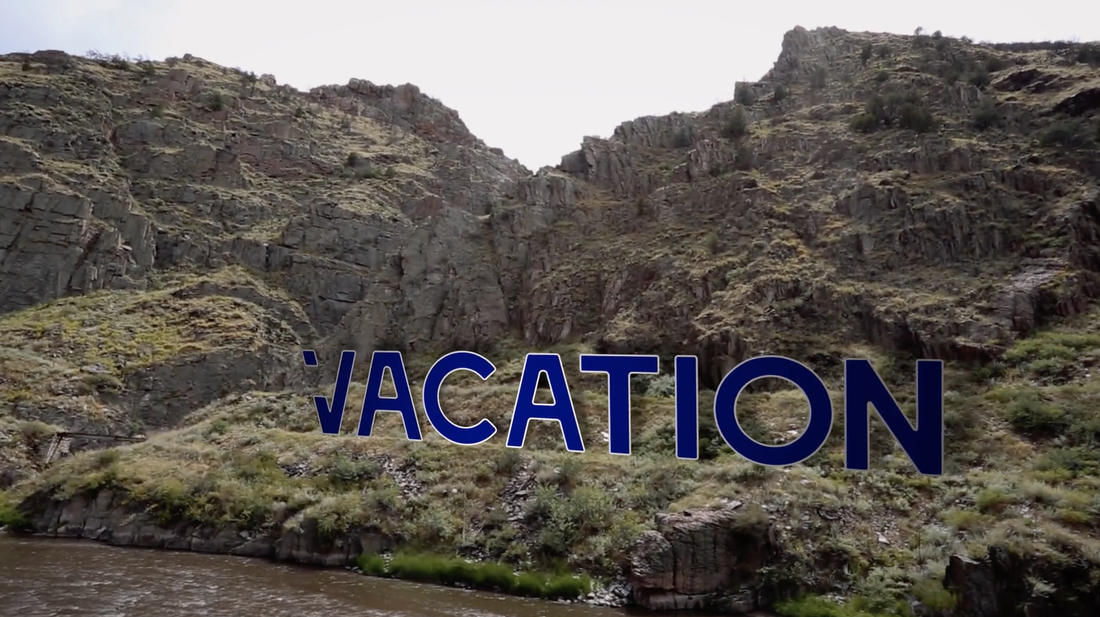
I attended a great 2 day training and learned all sorts of fabulous lessons in After Effects and Motion Graphics.  Here's one below! I always love seeing these on TV shows, ads and movies. Now I know how to make it myself and will teaching my students this year! Click on the image below to play my "vacation" movie clip.
Picture
Picture
0 Comments

How We Turned a Huge Failed Project into a Major Success

1/9/2019

0 Comments

 
 Last year, we teamed up with the Napa Parks and Recreation Department to create Countdown Clocks for the first ever Napa Lighted Art Festival.  The Game Design class experimented with the idea of what a clock is and is not and how to incorporate ideas of time in different ways using Illustrator and After Effects.  The video below is a sped up version of each clock.  They were supposed to be projected on several buildings downtown in between the light shows in 20-minute increments.  The finished work never got used and the students were disappointed.  But that's not the end of the story.
There were many contributing factors to the failure.  This was the first year of the festival and we didn't know what we didn't know.  We also encountered pretty devastating fires in the Napa Valley and sponsors were not able to recover from the financial loss from lost tourism and pulled out of their sponsorships.  Time was not on our side either, as we were working under very short deadlines. 

Regardless of whether our work was shown, the students made some really cool artwork and learned some great technical skills along the way, so it was not a complete failure, but we were a bit disappointed. Luckily, we were willing to try again.

I decided to reach out to the Parks and Rec department to see if we could try our collaboration again.  Yes! They were interested and big changes were already in the works to hire a community liaison for schools in the district, to  hire consultants from the UK, Ross Ashton and Karin Monid from The Projection Studio, and we had a lot more time to plan properly and find new sponsors for the students to have their own building.   We decided to give it another go.  
 
I'm so glad we stuck with the project and tried again because the extent of learning and the scope of what we accomplished this year really blew me and the students away!

See the New Tech Lighted Art Project below!

This year the project entailed students creating their own six-minute show by working in 4 teams to create a cohesive, yet varied art exhibit.  The work was then projected on a 70 ft wall on the Native Sons Hall during the Napa Lighted Art Festival, January 12-20, 2019.  Our show has gotten nothing by praise from audience goers and there is just nothing like seeing student work projected on a building of that magnitude to a live audience of thousands.  The stakes were high and the students came through.  There were many sleepless nights when I wondered if they were going to make it, but they did and did so in an incredibly professional manner. I am so proud!

Community Discussion Panel:
​Hear what the students had to say about their learning

A Create-a-thon in the middle of it all!

As a part of the sponsorship agreement with Adobe, we offered to run a day-long school-wide design day, using Adobe Software. The top creators of the Create-a-thon were given the opportunity to have their work included at the end of our Lighted Art Project.   If you want to know more about the Create-a-thon specifically, you can find the blog post HERE.  

So, my students were tasked with both putting on a major event for 650 students in early January, as well as creating their Light Show art piece. These two tasks took up our entire Fall semester. 

Our Step-by-Step process

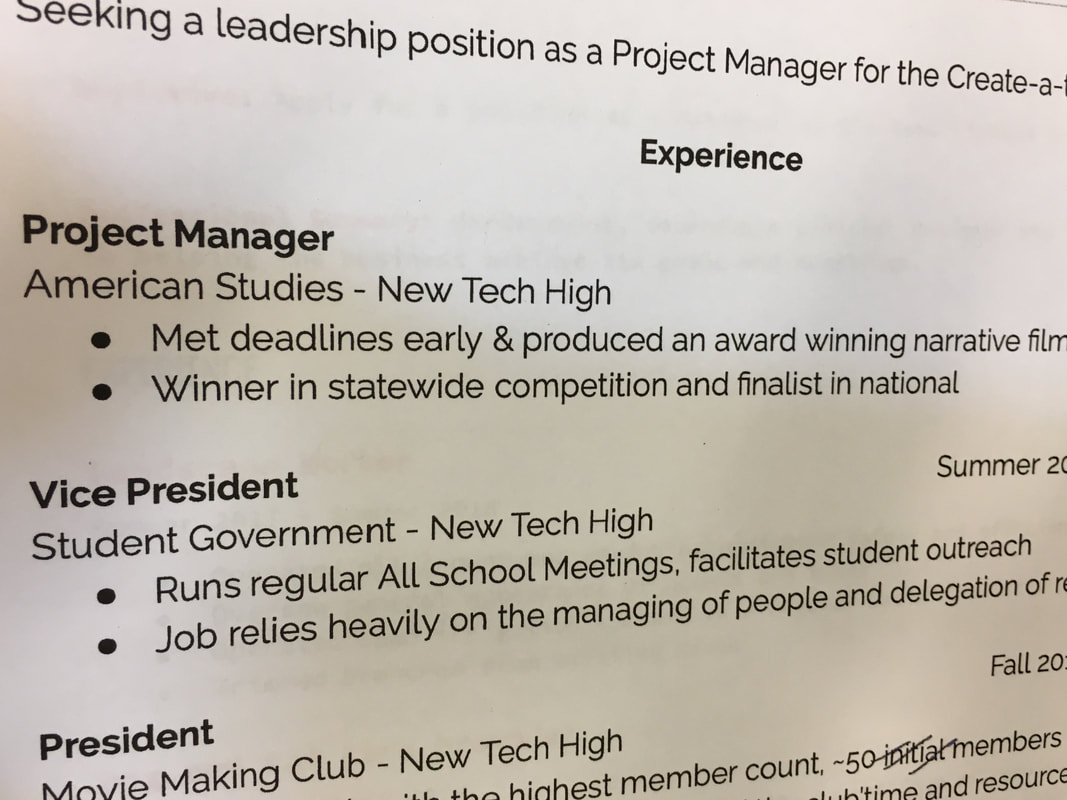
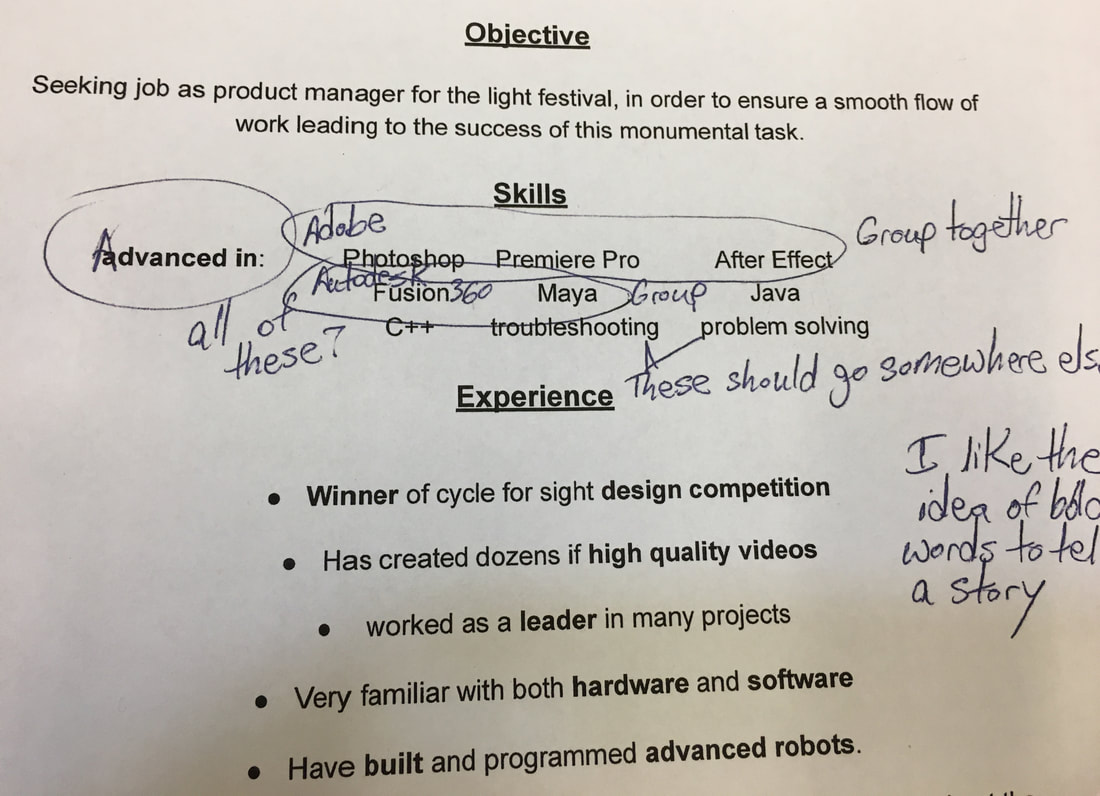
At the beginning of the semester students interviewed for a variety of jobs on each team, Project Managers, Technical Experts, Designers and Documentarians. They submitted resumes for the job and had to do a presentation of a SWOT analysis of themselves as hirable people.

Picture
Picture
Ideation phase: Students met in their hired teams and ran through the ideation and prototyping phases.  Then pitched their ideas to the entire group with a visual presentation.
​
They met with Ross Ashton and Karin Monid from London via skype to discuss Knows and Need to Knows.  Ross presented some basic concepts they needed to keep in mind when they created their artwork, such as taking into account the scale of the building, the ambient light and technical issues. 
Iteration was key in this project as students worked through their prototypes, gave each other feedback and got feedback from their mentors. Through all of the process, students ran the decision making meetings and took leadership roles within the class and within their smaller teams.
Students met in Scrum meetings or "stand-up" meetings at the beginning of every class to see what had been done, what still needed to be done, who would do the tasks and when they would be complete. They used the Agile Project Management protocol to manage time, resources and people.

Celebrating our final product!

Having a chance to look back on this project, I don't know how we pulled off such a thing!  The students owned this from beginning to end and benefitted from being given such an adult project to complete.  They had the skill and know-how.  The feedback we have gotten from the show has been amazing.  Many people commented that the New Tech piece was their favorite.  It certainly held the audience's attention and entertained in a way that was both exciting and fresh.  I am already planning for how we can do this again next year.  Look out Napa Lighted Art Festival 2020!
0 Comments

What Can Students do for you as a Community Partner?

8/17/2018

1 Comment

 
We often make the mistake, as educators, of going to community and industry partners with our hands out.  We ask, "What can industry do for my students? How can industry help"  It wasn't until I was talking with a team member at an Adobe field trip that I realized that I tend to swap that request around.

My first question, whenever I meet anyone in industry is, "How can my students help you with your business?"  
​
Picture
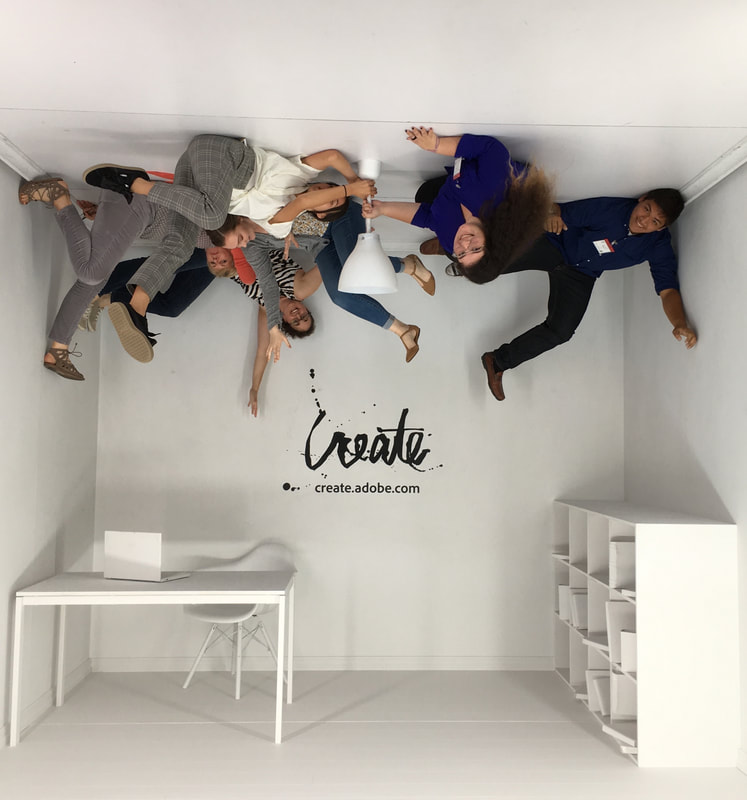
It was in the asking of that question, with a team of people from Adobe who happened to be touring my school, that I began what has been a powerful relationship with their company.  It turns out that Adobe often wants the feedback of students on product that is in development.  They want students who can speak up, are not afraid to offer clear opinions, that are interested in making beautiful images with their products, that understand the basics of project management, and who are generally mature enough to work with a team of adults to communicate clearly what they want and don't want. 
Picture
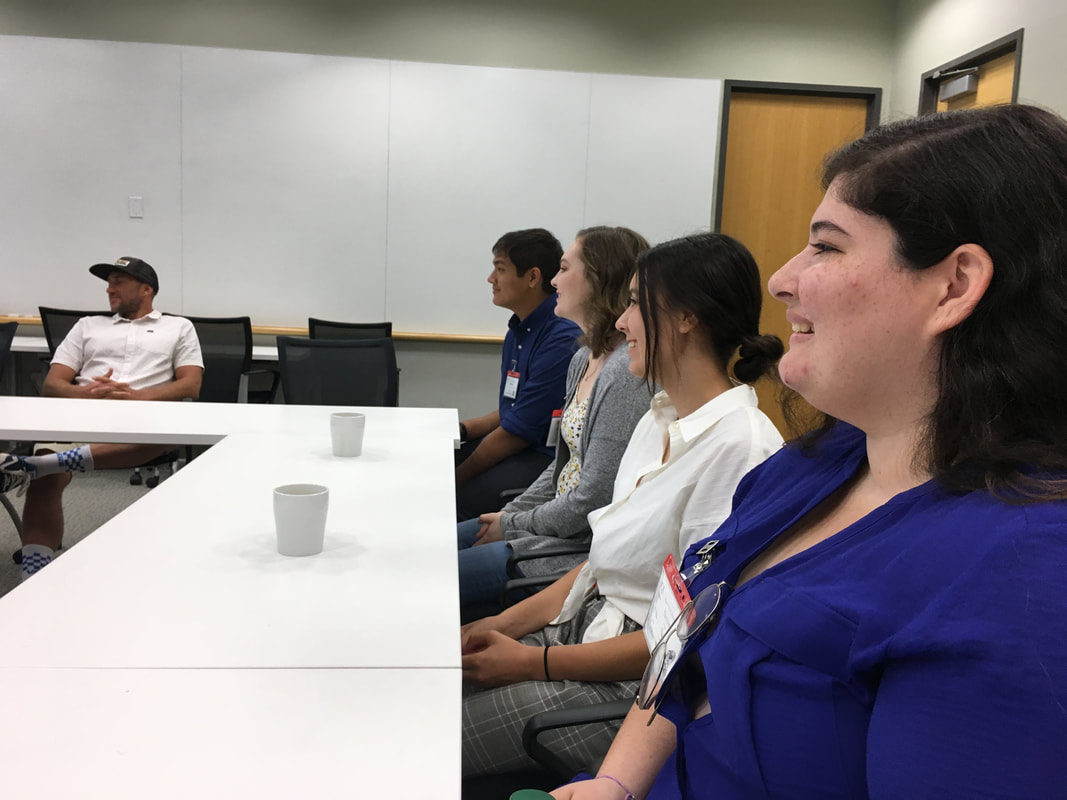
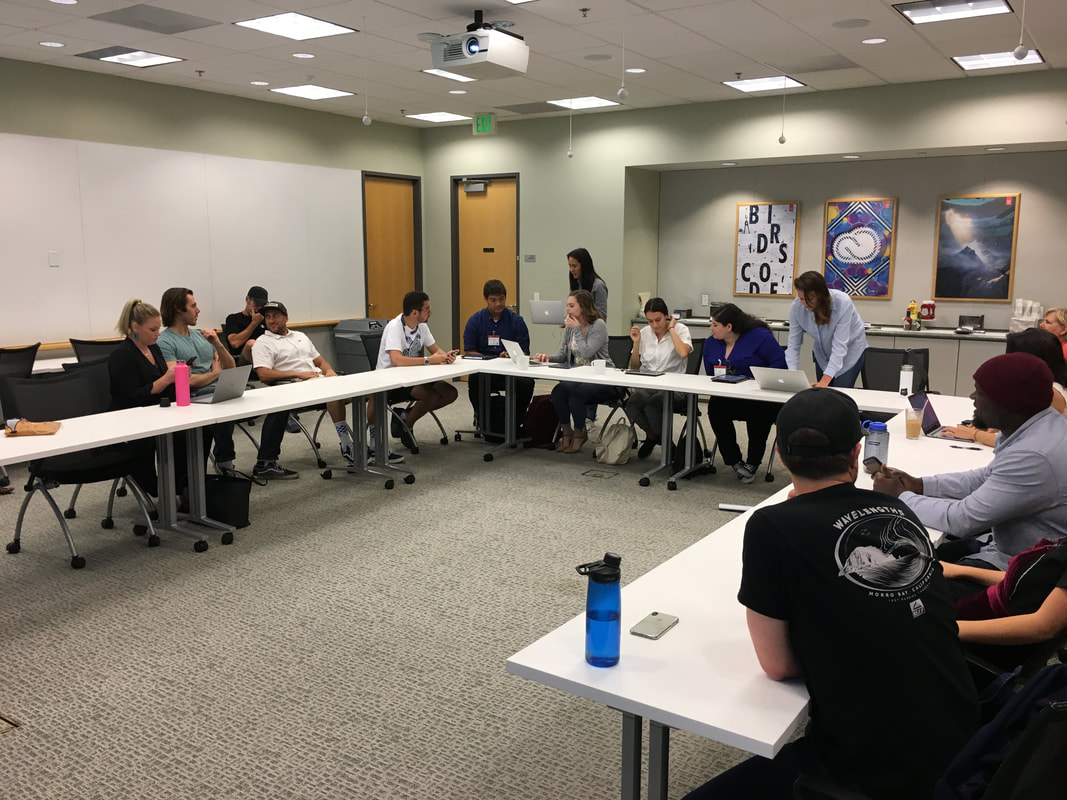
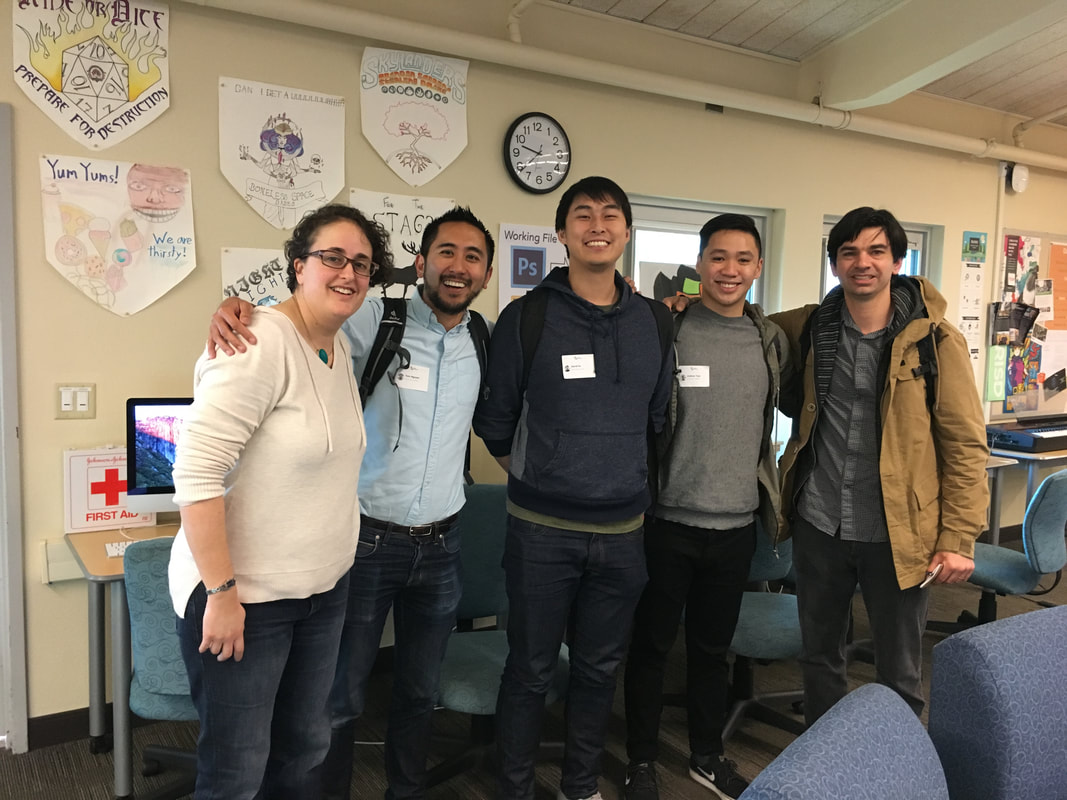
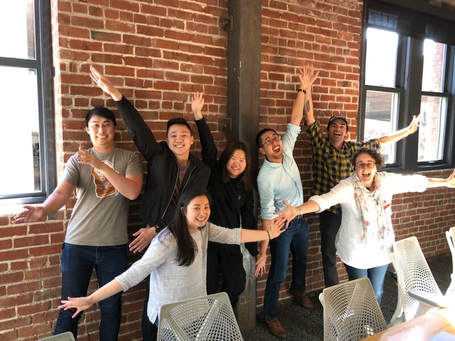
To that end, a group of my students were invited to come visit Adobe Headquarters this week, to work with a team of researchers and developers on product.   Students got to show the team how they use the product, discuss what they like and don't like, review marketing preferences, and answer a whole host of questions.  To some students, it would be intimidating to meet with 15 adults and to be put on the hot seat, but because we concentrate on building collaboration, and oral and written communication skills at New Tech High, these students were up to the task. 

Picture
Picture
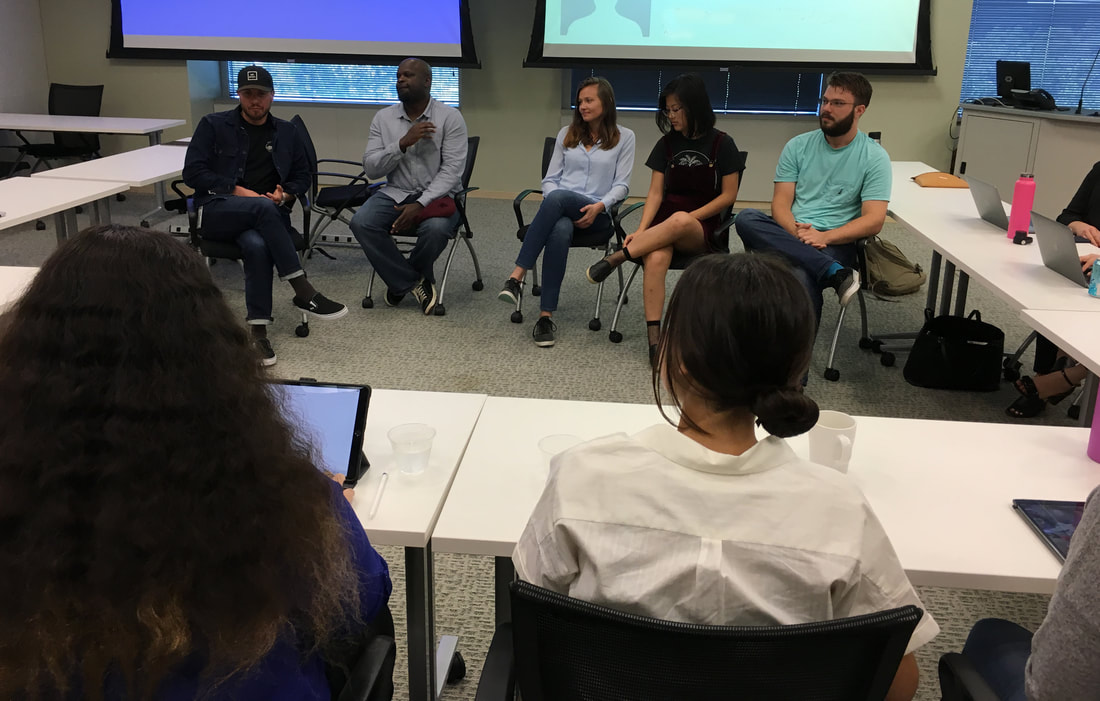
After having a great working session with the crew and speaking with their research folks, we has an incredibly powerful career panel, where a small team of people with varied job titles at Adobe, spoke to the students about their path from high school to Adobe.  They talked about their trials and tribulations, as well as where they chose to pivot to pursue their interests instead of staying on whatever path they thought they were supposed to pursue.  The general message was one of supporting students to think about following their bliss, considering design your own majors or double majoring in seemingly disparate subjects, or choosing minors that support their creative passions.  
Picture
The entire trips was eye opening for all the students.  They were super grateful to have the time and the special connections they made with folks at Adobe.  Surprisingly, the Adobe folks were also super grateful to have the students there.  I think that in making industry partners, the relationship has to go both ways.  We can not just take, take, take, but also offer added value to our partners, such that we help companies in some way, by offering insight into a demographic they don't normally hear from, or by creating great product that can help companies in their endeavors. 

What an incredible day.  I know it has helped my students gain confidence, gain more clarity about what their next steps are in college and beyond, and it's opened doors for them that would not normally be open.  I hope all teachers are on the lookout for ways to partner with industry.  Just remember, ask not what your industry partner can do for you, but what you can do for your industry partner!
1 Comment

Externships for Teachers: Supremely Awesome!

8/2/2018

1 Comment

 
Externships can give you some of the biggest payoffs in terms of time spent.  I KNOW teachers need their vacations to regroup and recharge.  However, if you invest a few days or a week of your time during winter or spring break, it can really change the way you bring your game to the classroom and change the support that you get from outside businesses.  In the long term, I'll work during a break any time to get that kind of support from outside business!  I'm a better teacher and the opportunities it has opened for my students are amazing.  Read on to find out why it's worth it....
​
Picture
A crew from Adobe walked through my classroom last year, wanting to see what we were up to in Digital Media.  I had just read an article about externships, where teachers work at a business for a period of time to get outside of the classroom bubble, and happened to ask one of the visitors if Adobe ever did anything like externships.  The response was, "Not that I know of, but if you do some research and get back to me on it, we can keep exploring that idea."  

Fast forward a year and I've had the privilege of externing twice as Adobe, once during Spring Break for a week and then for another week and half this summer.  Needless to say, it was a huge success and one which I can't speak highly enough.   Bottom line, both teachers and students can benefit greatly from teacher externships.

​So what was it all about and why should you explore your own externship possibilities?

Externships are defined as a set amount of time that teachers work at a company, usually a few days to a week or two.  On-site tasks for teachers can include attending meetings, shadowing a variety of jobs, doing research, providing support that college-aged interns might provide, and just being a useful employee.  Externships can be paid or unpaid, depending upon the business, the district or the pre-created externship program.   I was lucky enough to get some grant money as a stipend for my first externship and was then invited back by Adobe on their dime for a second externship a few months later.

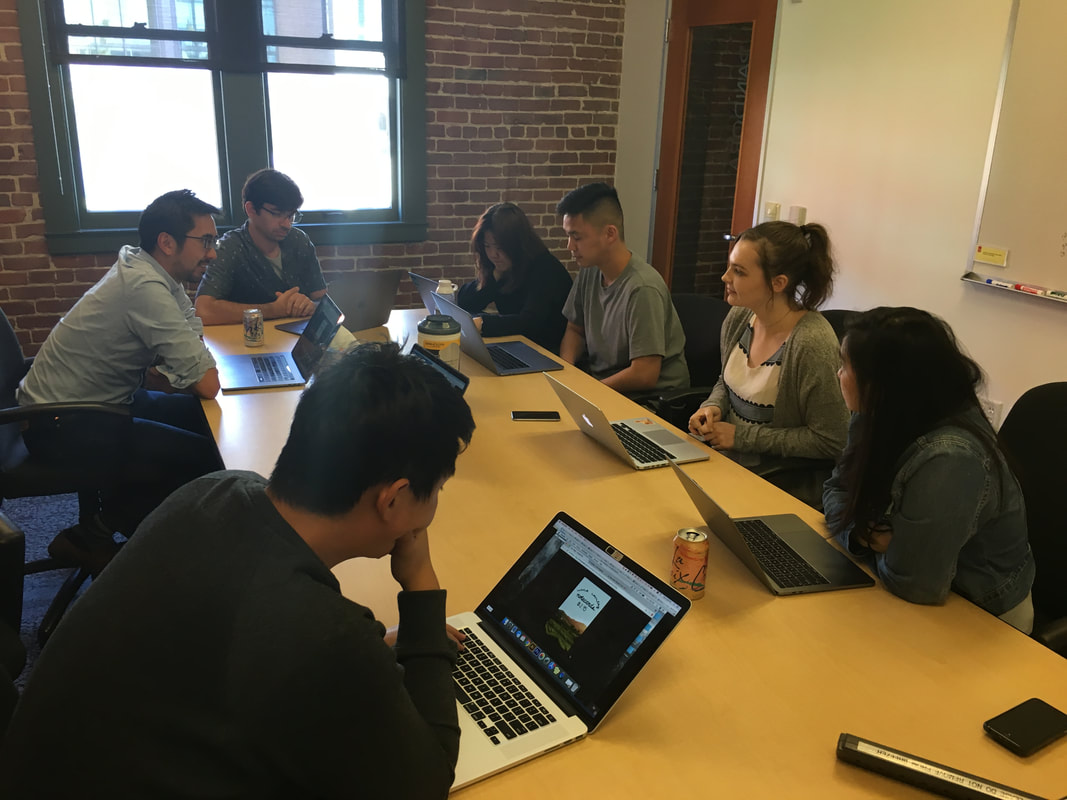
For both externships, I was embedded on a product development team, worked on providing valuable insights into the education community, what teachers and students need, gave feedback on product iteration, had conferences with heads of various product teams to talk about what is most important for students, met with people whose focus was on forward-thinking educators, met with designers, coders, marketing people and more.  

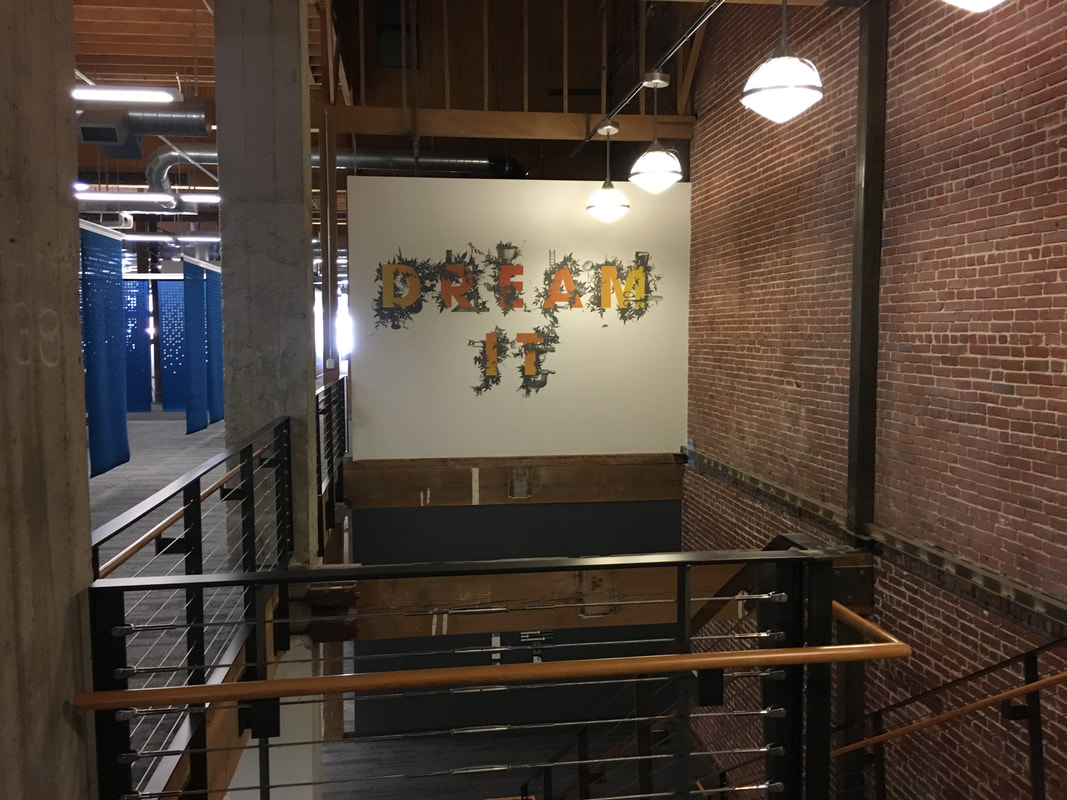
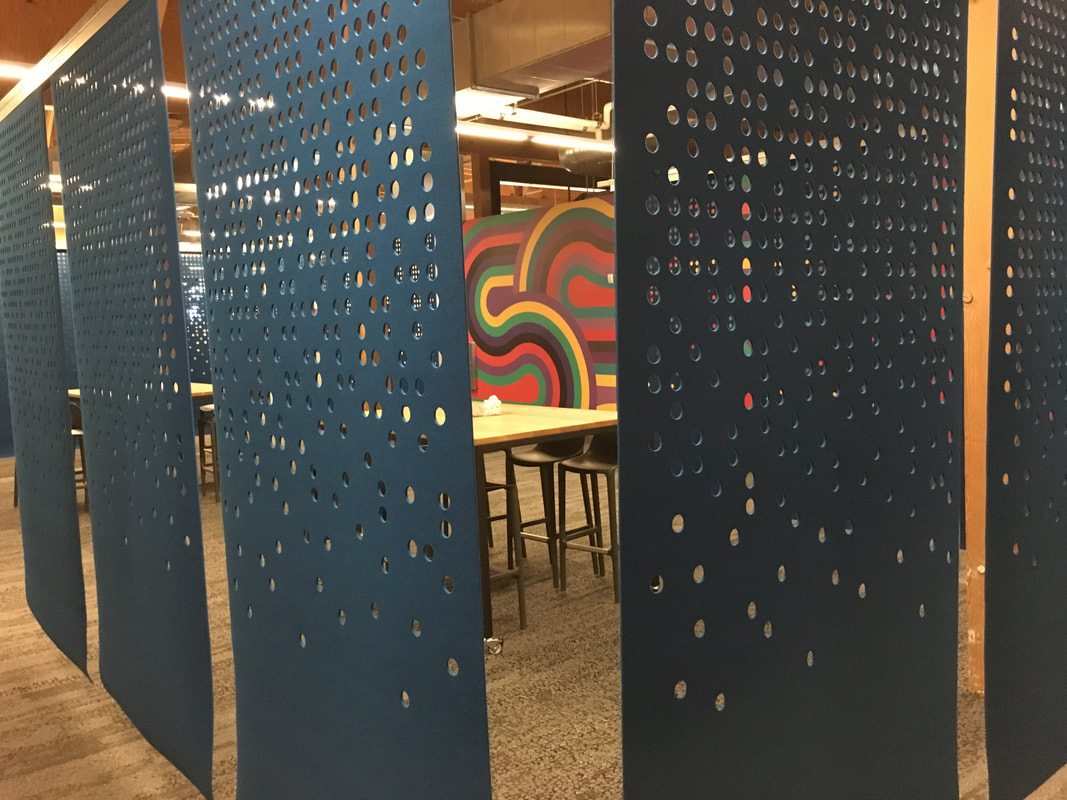
I observed what types of physical environments in the workplace support creativity, problem solving and productivity, learned about how teams collaborate in the real world, learned what tools people use to communicate remotely and in person, and was steeped in project management approaches in the professional world.
Picture
Picture
Picture
And because I was embedded at a company that uses the very skills that I teach my digital design classroom, I got a chance to connect and geek out over digital design concepts, such as font choices, color choices, use of hierarchy,  and design thinking as it is applied to product creation.  I saw, in action, how to conduct user interviews, user testing sessions, conduct my own research and create user profiles and more.  I helped my team better understand the very students, teachers, creative professionals and business folks  they are developing product for.  It was beneficial for both me and for Adobe.  I got to see how the sausage is made and they got unique insights into what really happens in a digital media classroom.

How my experience changed what and how I teach

The amazing things is that I have now brought best practices back to my students in all areas of learning, including how to best collaborate on projects, how to use more elevated and practical knowledge of design principles and how to best manage workflow. I can speak with confidence to my students about why certain things that I teach are important and where they come into play in the day to day operations of a tech company.  I have a much clearer idea of what sorts of jobs are available to them once they leave school and how to direct them toward those opportunities.

Once you are in the door, the possibilities are endless

​There were all sorts of outcomes that were completely unexpected that came out of being in the Adobe office.
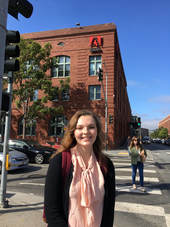
  • I was able to create an internship opportunity for one of my students that would never have happened if I had not been there in person and talking to the right people. She's hoping to come back next summer to work for them.  
Picture
Picture
Picture
  • Six of my digital design students are testing product over the next several months.
  • I was asked to apply to the Adobe Education Leader group and attended a national summit for education leaders across the country.

Picture
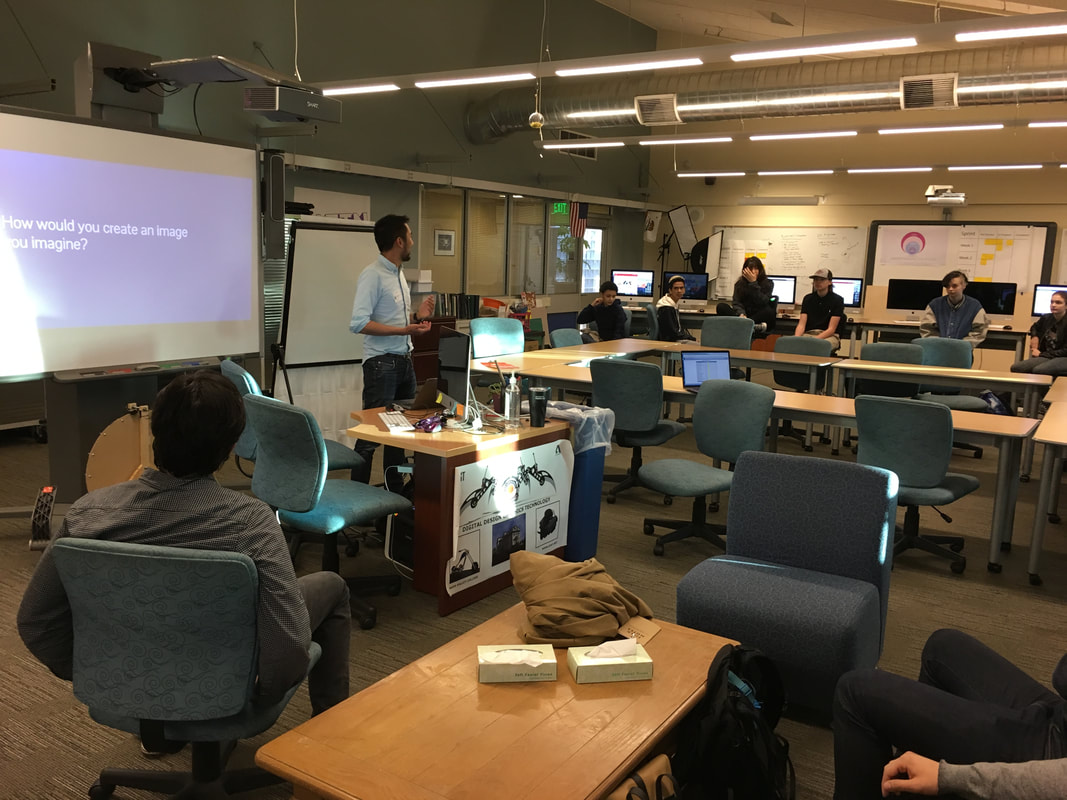
  • My product team is already scheduled to come test with my students and teach them about design thinking in the first weeks of school like they did last year.
Picture
Picture
Picture
  • More is unfolding from a variety of relationships I have made, and I'd have to kill you if I told you about them. It's sounds like bragging but I want you to see what kinds of things are possible!
​
NONE OF THE ABOVE THINGS WOULD HAVE HAPPENED WITHOUT PHYSICALLY BEING AT THE COMPANY.

If you want to make things happen for your school and open up opportunities for your students, you have to show up and get some face time with the business people who can make that happen.  

The truth is, businesses are wanting to help us in the classroom and with our students.  But in order to forge those relationships, you have to go where the businesses are, and not the other way around. 

That means getting out of your classroom, pushing yourself to make some calls to businesses that align with what you are doing in your classroom and asking for connection and help. 

And even without all these amazing connections that I've made, if I did nothing else, I've learned about how business operates, how adults use the skills I teach every day, and how students can plug into that adult world, once they enter the workforce.  That, in and of itself, makes the externship experience worth while.  

(The secret truth about externships)

I was worried that I would be exhausted after giving up my vacation time to work outside of the classroom.  It turns out it was surprisingly energizing.  It's not like working at school with students.  I worked with adults, had real hour long lunch breaks, had time to think and complete my thoughts without interruption, and generally marveled at how adults outside of the education field work every day.  It's all very civilized.  

If you have any questions about externships, just comment below and I'll be happy to answer them!
1 Comment

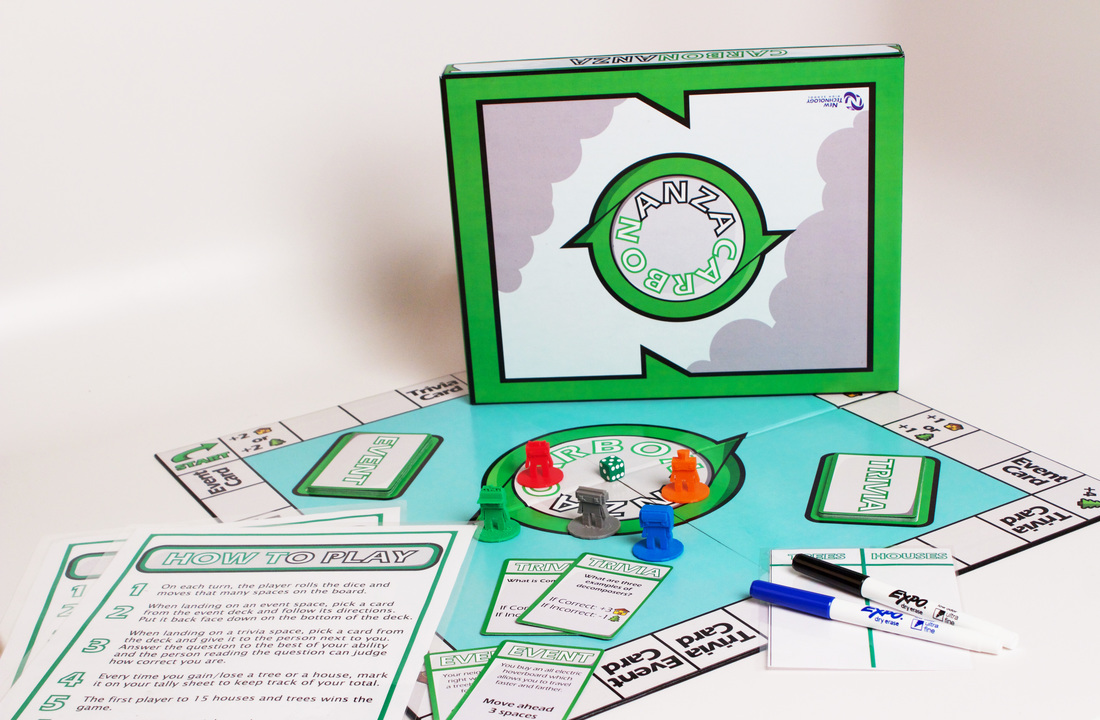
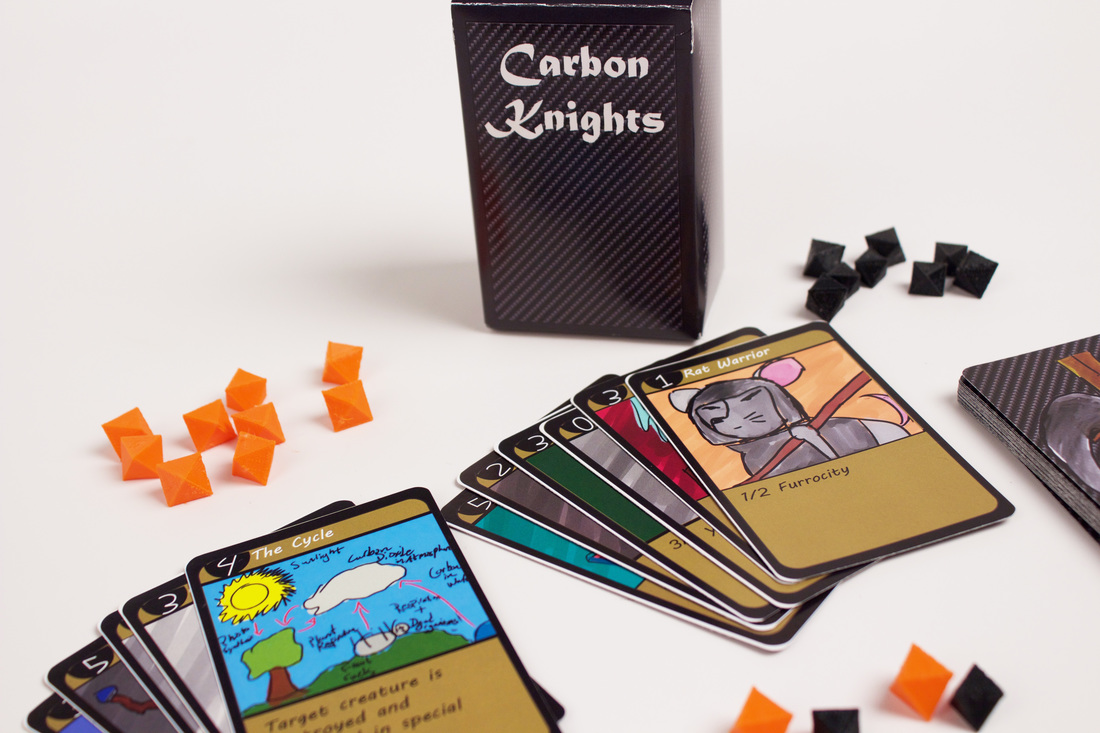
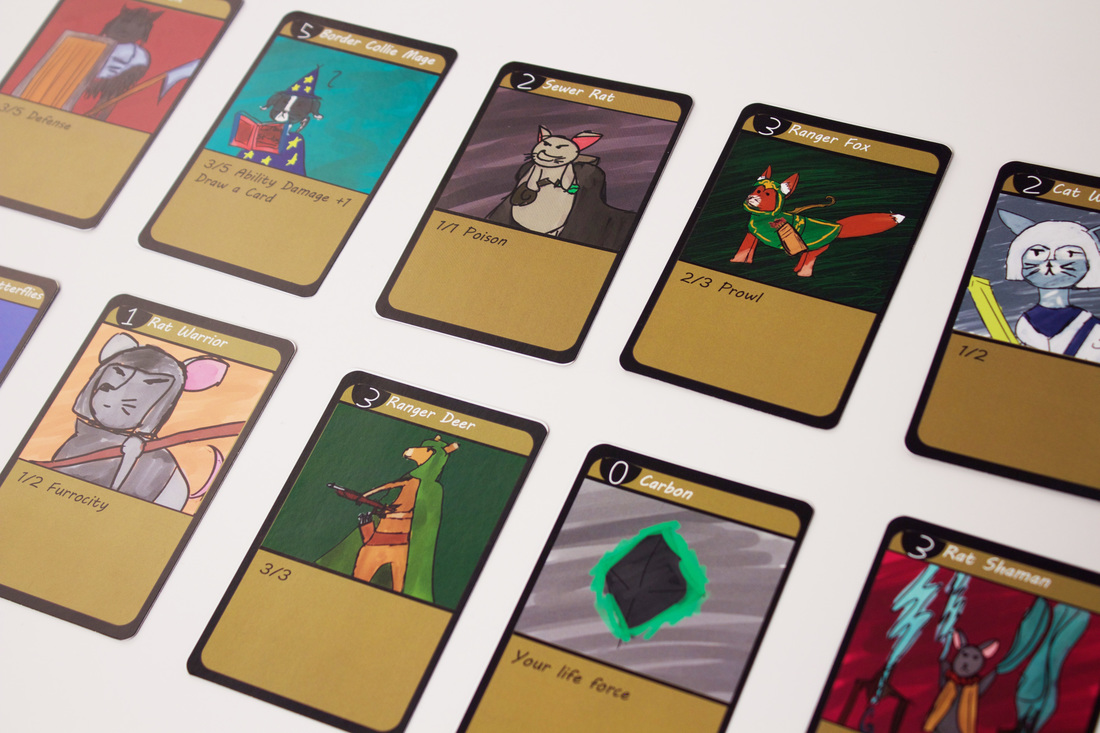
New Tech Board Games Teach Carbon Cycle

5/16/2016

3 Comments

 
Picture
Planet Zone Conquer
Picture
Carbonanza
Picture
Carbon Knights
Permit me to kvell.  In Yiddish that means to gush over great things, things you are proud of.  So, here I am kvelling.  ​
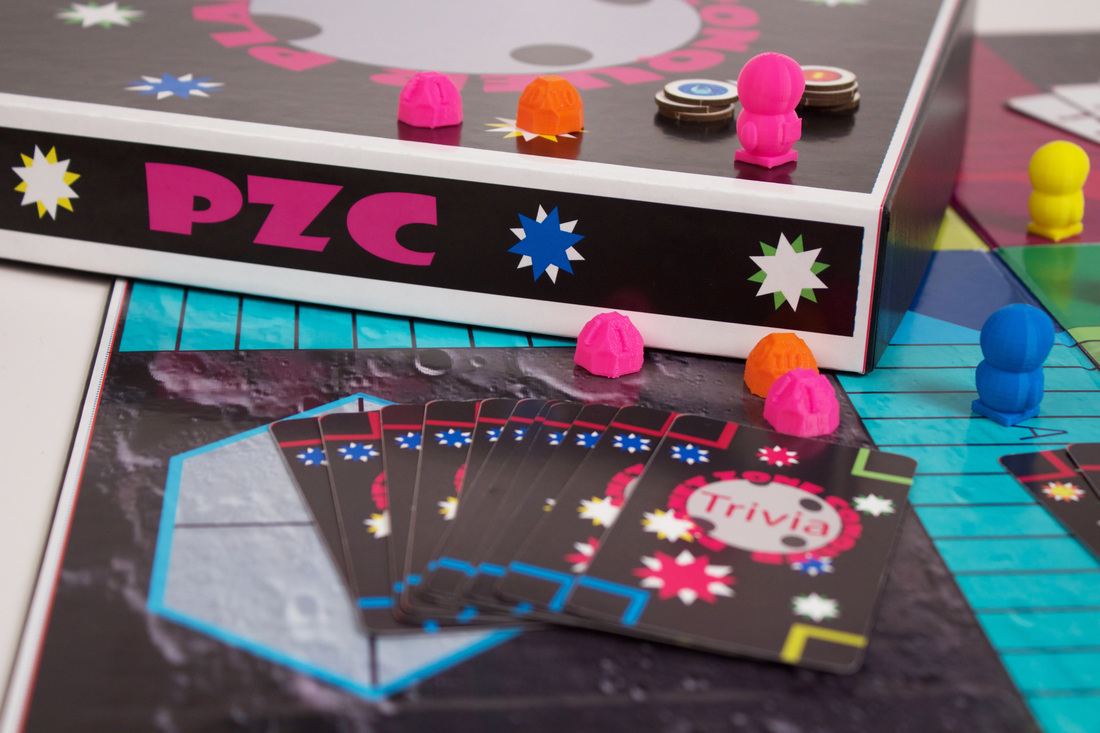
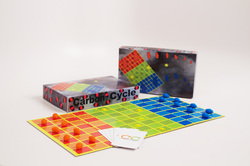
My students really succeeded this year in making some incredible board games that teach about the carbon cycle. They worked with professional board game designers, energy experts in the industry, and Environmental Studies students as they developed, tested and implemented their games over a four-month period.  They were aided, in part, by the Innovation in the Classroom grant awarded to us from the California Education Research Association. The grant helped to purchase a new Makerbot 3D printer, filament for the printer, and professional printing services.

What you see here are the results of a well-honed project, deeply steeped in real world applications of game design, 3D modeling and printing, 2D design, and project management.  Most students were surprised at how long it took to develop a game and really do it right, complete with many iterations and rounds of play testing.  They also were appreciative that whatever skills they learn in board game creation, can be transferred to video game creation.

Most video game industry experts I consulted with say that necessary skills for video game creation include a strong understanding of game mechanics, game play, and knowledge of how to write a game design document,  all skills that students learned as they developed their board games. They used Autodesk Maya, Adobe Illustrator, Photoshop, google drive and www.thegamecrafter.com to execute their games and I'm blown away by the finished products!  They've now got a strong project that they can use in their portfolios as they move forward into the professional fields of their choice.  

Check out the photo gallery below to see our entire process from beginning to end.
Students spent a huge amount of time this year game testing, critiquing, and adjusting their prototypes to make sure that the game play was engaging and easy to understand.  They also learned about color pallets, branding, and writing rulesets that are easy to follow.  

Next year, we will have the honor of marketing and selling these board games across the country to science teachers everywhere.  Know someone who might be interested?  Let me know and we'll contact them when we are ready to bring these to market!  

Or maybe you are teacher who wants a game developed to teach particular content?  Comment below and we'll see if we can collaborate! 

I am so grateful to be able to do these sorts of high level projects with my students at New Tech High.  They are amazing designers and learners and I enjoyed every minute of this project with them!  
Picture
Picture
Picture
3 Comments

AR = Augmented Reality or Art Reimagined

1/4/2016

0 Comments

 
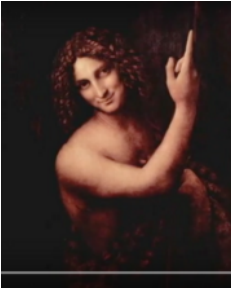
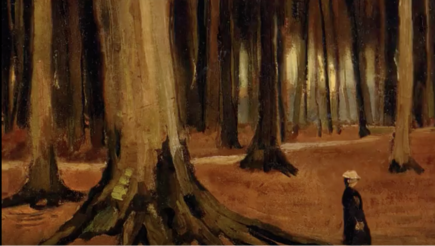
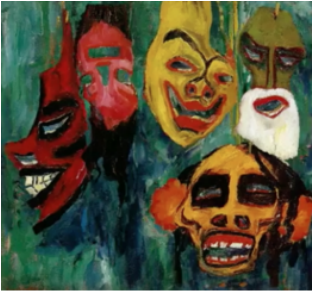
We finished off the first semester in Intro. to Digital Media  with a culminating project using Augmented Reality, Photoshop and After Effects.  Students were asked to choose paintings from a list of art periods and then create parallax animations of their chosen paintings.  They were then asked to create postcards with their paintings on them, so that any art student could point their smart phones at the postcards and see their animations.  This was a 4-5 week project that included separating out foreground, middle ground and background in Photoshop, as well as using the "puppet" tool in After Effects.

You can have some fun pointing your own smartphone at the images in this post to see some of the student work.  The directions for downloading the Aurasma app are seen at the bottom of this post.

More images will be posted on the blog soon!

Picture
Picture
Picture
Picture
Picture
Picture
Directions for using the Aurasma app
1) Download the app for your phone: Aurasma
2) Open the app and press the small white aurasma icon at the bottom until you see the “Explore” page
3) Hit the small search icon in the bottom bar and type #nthsgottfried in the search bar.
4) You will see a list of auras and pictures with student names-ar next to them.  Click on any one of the auras.
5) "Follow" one of the auras and you will now be following all the auras with #nthsgottfried.  You are ready to see all the auras for Digital Media 1! 
6) Point your phone at any of the aura photos or images.  You will see bouncing dots in a circle.  Hold the phone in front of the image until the bouncing dots turn into a target.  Watch your aura!
If you don’t see the aura after a few seconds, try holding the phone closer or farther away from the image.  
0 Comments

How to Save A Selection in Photoshop

10/29/2015

0 Comments

 
By Daisy Farella
In this blog, I will be showing you how to save a selection you’ve made in Photoshop. This is extremely helpful if you need to go back to your work later and need that selection again. I know how painful it is to get that perfect selection, only to have to start all over if you had to work more than one session on it. Before I knew about this, often wasted over half of my Digital Media class just trying to get back what I had perfected class, resulting in stress and frustration. I’m so glad I learned about this and I’m now able to teach others. I hope you get some good information from it!

Read More
0 Comments

    Author

    Lisa Gottfried is a CTE teacher with 20 years experience as CEO of her own Video and Motion Graphics Production house. She currently teaches Digital Design at New Technology High School and at Touro University in the Masters of Innovative Learning program. She loves her job and her students!

    Archives

    January 2024
    December 2023
    September 2022
    May 2022
    September 2021
    August 2021
    July 2021
    April 2021
    March 2021
    February 2021
    December 2020
    August 2020
    July 2020
    February 2020
    November 2019
    October 2019
    August 2019
    April 2019
    February 2019
    January 2019
    November 2018
    October 2018
    August 2018
    May 2018
    April 2018
    November 2017
    October 2017
    July 2017
    June 2017
    May 2017
    December 2016
    November 2016
    October 2016
    September 2016
    July 2016
    June 2016
    May 2016
    April 2016
    March 2016
    February 2016
    January 2016
    November 2015
    October 2015

    Categories

    All
    Adobe
    Agency
    Collaboration
    Digital Media
    Edtech
    Game Design
    Innovative Learning
    In The News
    Knowledge And Thinking
    Math
    New Tech High
    Oral Communication
    Teaching
    Written Communication

    RSS Feed

Powered by Create your own unique website with customizable templates.